Start with one buyer question per week
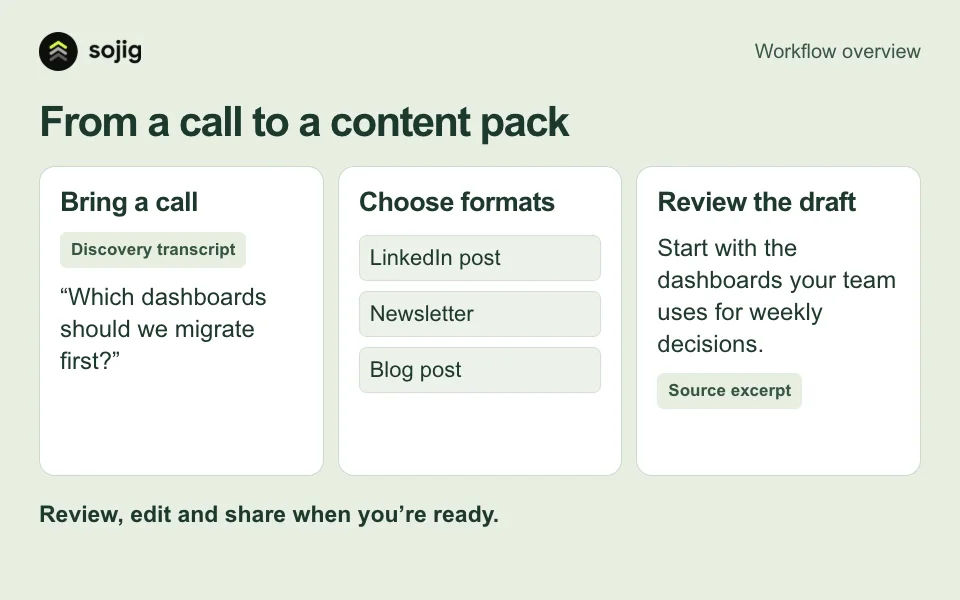
Review a small set of recent discovery and demo calls for a question buyers asked more than once. Save the question, a short excerpt with context, and any product fact needed to answer it. Use that brief to draft one asset and name the person who will approve it.
This works for lean teams that already record calls and publish regularly. Start with three relevant calls and one format for a week. A Head of Marketing can own the calendar while a salesperson or product owner verifies the underlying answer.
Set up a simple weekly handoff
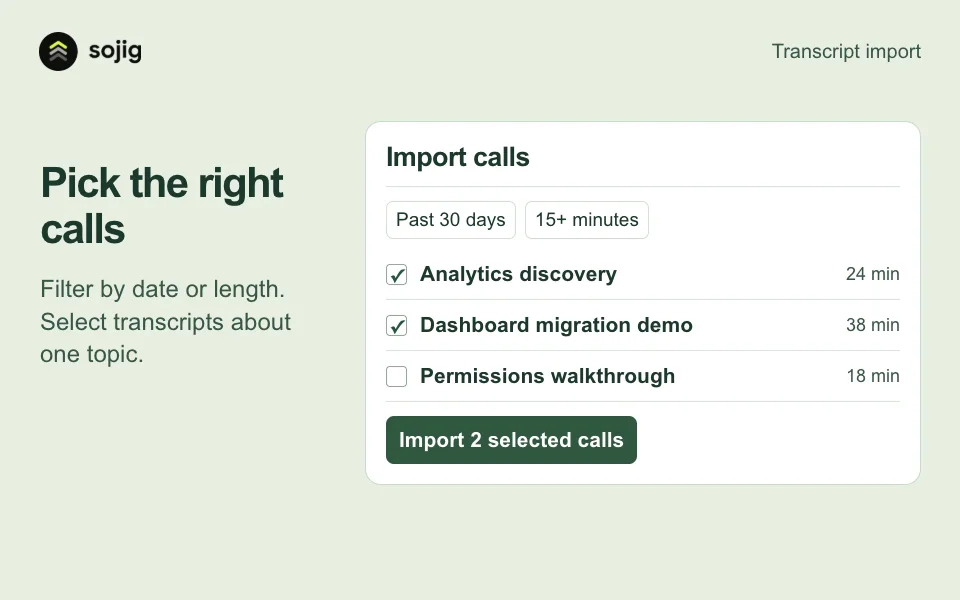
- Monday: Pick a theme. Ask sales for recent calls on one topic such as setup, a competitor comparison or a common objection.
- Tuesday: Write the brief. Include the buyer’s role, stage, question and surrounding context. Attach an approved product source.
- Wednesday: Draft one asset. Pick a format that suits the question. Use the demo transcript to FAQ tool for a short question and answer, or draft a longer guide when the buyer needs steps.
- Thursday: Review. Have the owner verify facts, remove identifying details and approve the final draft.
- Friday: Publish and record feedback. Ask sales whether the asset addresses the objection and note where it can be reused.
What to do when the evidence is thin
Assign a status to each source before drafting. If you have a buyer question and an approved answer, it’s ready for drafting. If you only have the question, ask the product owner for an approved answer. If you have a strong quote but no authorization, use the general topic and rewrite the example without attribution. Record where each claim came from so a reviewer can check it later.
For a large set of calls, group by buyer decision before creating draft packs. Keep contradictory constraints visible. A requirement mentioned by one enterprise team can inform a section for enterprise readers without becoming a claim about your whole market.
Example brief for an implementation question
Illustrative question: “Can we test the import before we invite the rest of the team?” Reader: A marketing operations lead evaluating a tool. Asset: A short setup checklist. Approved source: The product’s import documentation. Reviewer: The person responsible for onboarding.
Keep track of the questions that become useful published assets and how long each draft takes to approve. After a few cycles, you’ll have evidence about which call themes and formats your team should prioritize.