Editorial review
How to review AI content drafted from sales calls
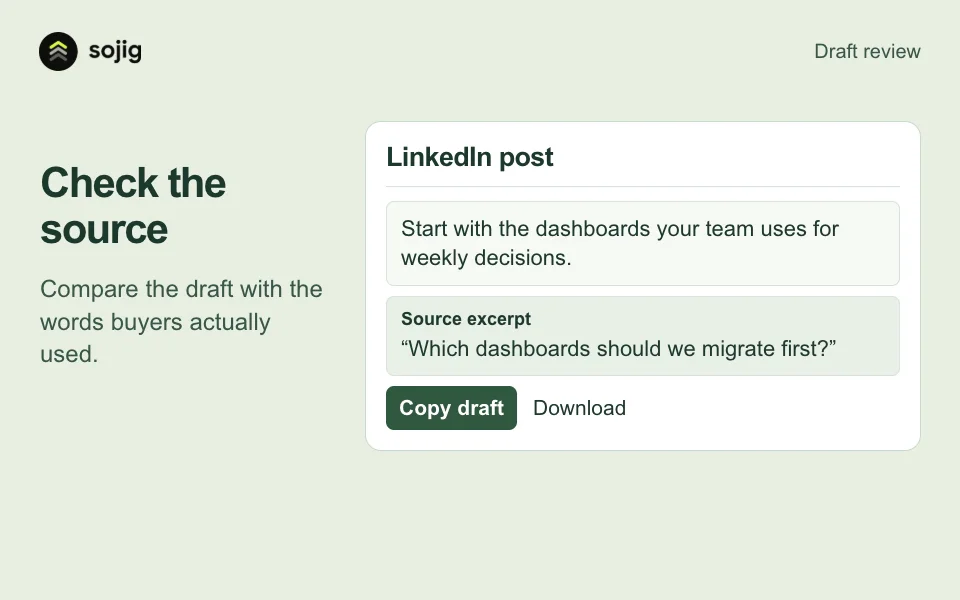
Use this editorial checklist to verify customer quotes, product claims and sensitive details before publishing a sales call draft.
Give Sojig your public website, product documentation and approved positioning so drafts reflect what your SaaS product does.
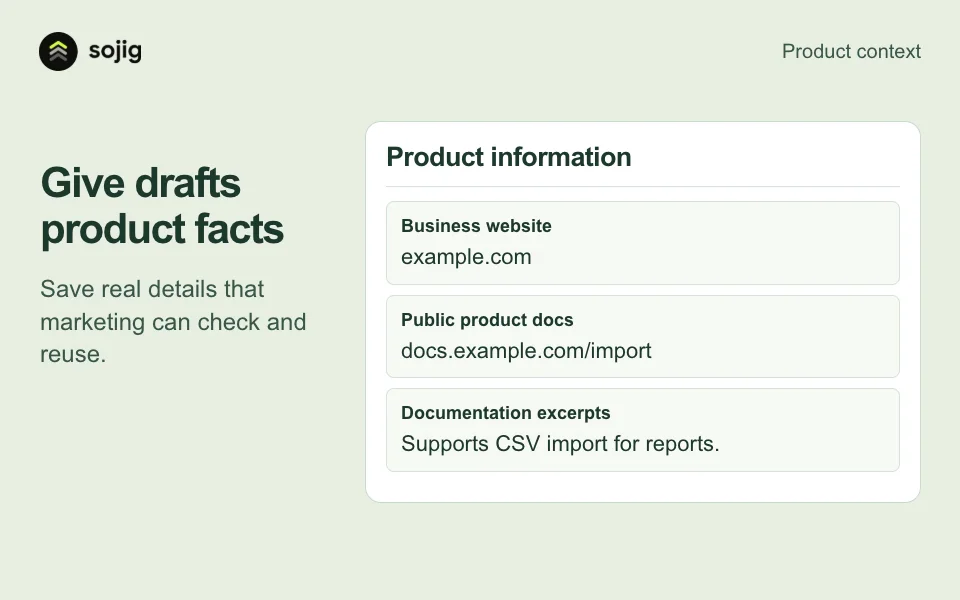
A buyer may ask whether an integration exists or how long a rollout takes. Your transcript provides the question and its context. Your product information gives Sojig background on what you actually offer, so marketing can draft a relevant answer and review it against the source.
Save these once during setup or update them in Product information. When you generate, Sojig can use text from the specified public pages. You can paste an authorized excerpt from private documentation.
If your docs support CSV import, say that. Check supported file types, plan limits and availability before adding details to a public draft. Revisit the saved context when your product changes. For the final edit, review the draft against its transcript and verify product claims against the current docs.
Editorial review
Use this editorial checklist to verify customer quotes, product claims and sensitive details before publishing a sales call draft.
Next feature: Writing style
Create a draft, review the source and decide what your team wants to publish.
Start free trial8 free credits. No credit card required.