Editorial review
How to review AI content drafted from sales calls
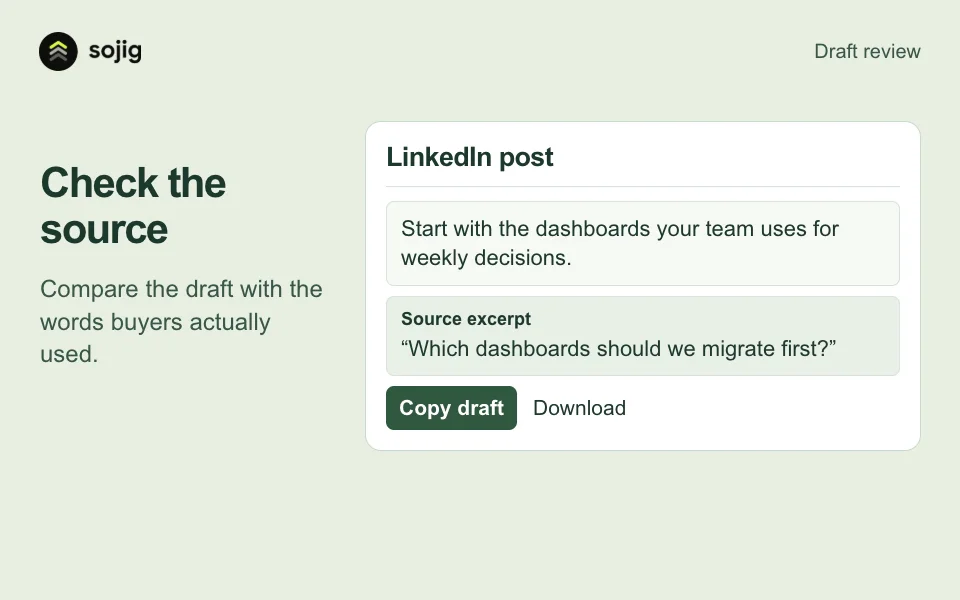
Use this editorial checklist to verify customer quotes, product claims and sensitive details before publishing a sales call draft.
Connect social accounts and publish approved drafts from Sojig to LinkedIn, Facebook Pages, Reddit, Instagram and Pinterest.
Text posts to your personal profile.
Text posts to Pages you manage.
Text posts to a community you choose. Community rules apply.
Image posts with captions. Requires a Business or Creator account and a public JPEG image URL.
Image Pins to your boards. Requires a public image URL.
Copy or download drafts for your blog, newsletter, ad tools and other destinations. For LinkedIn, Sojig sends a reviewed text post to a connected personal profile after confirmation. For a company page, a scheduled date, or a first comment, export the draft and complete those steps in your publishing workflow. Publishing in Sojig uses no generation credits.
Editorial review
Use this editorial checklist to verify customer quotes, product claims and sensitive details before publishing a sales call draft.
Next feature: Transcript import
Create a draft, review the source and decide what your team wants to publish.
Start free trial8 free credits. No credit card required.