Editorial review
How to review AI content drafted from sales calls
Use this editorial checklist to verify customer quotes, product claims and sensitive details before publishing a sales call draft.
Check draft language against call excerpts, edit in Sojig, and return to saved work in the searchable Content library.
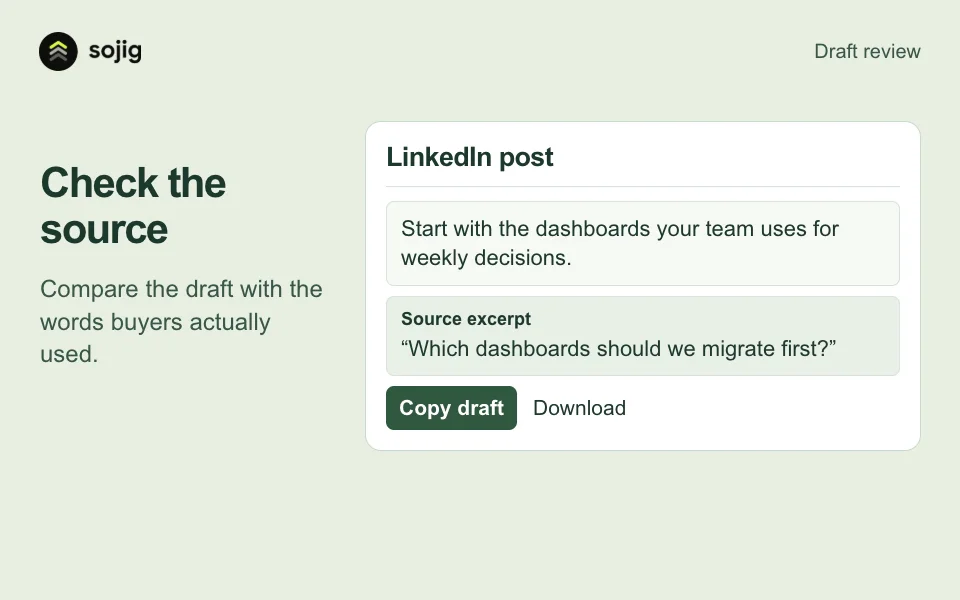
Open a draft and check the relevant transcript excerpts before you copy, download or publish. Sojig checks proposed source quotes against the submitted transcript. Your reviewer can use the excerpt to spot missing context and compare product claims with current documentation.
Use the searchable Content library to reopen saved packs by title or format. Edit the draft, copy it into your approval workflow, or download it as Markdown. Assign a person to approve the work using your team’s existing process.
Editorial review
Use this editorial checklist to verify customer quotes, product claims and sensitive details before publishing a sales call draft.
Next feature: Social publishing
Create a draft, review the source and decide what your team wants to publish.
Start free trial8 free credits. No credit card required.