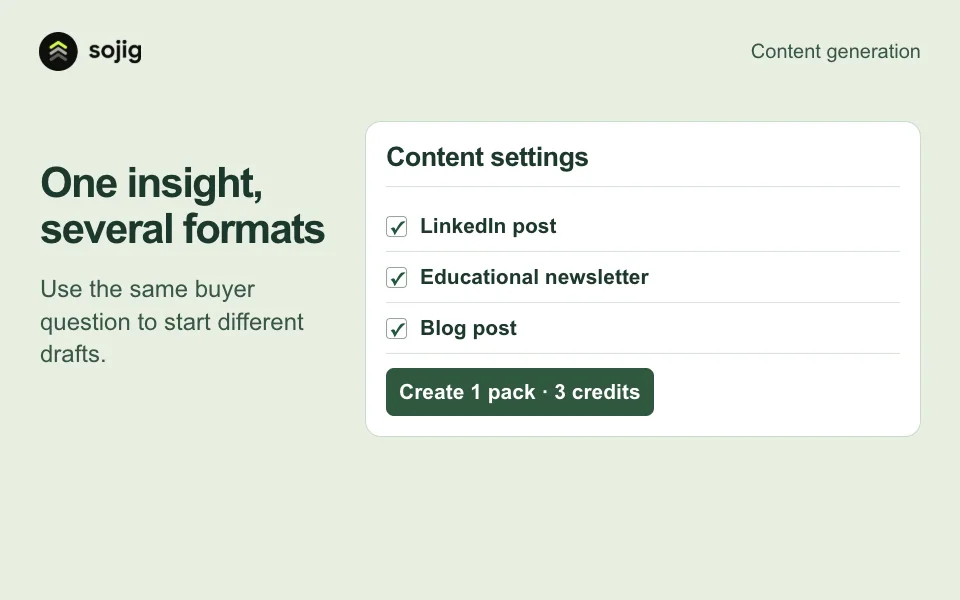
Repurposing
How B2B SaaS Marketers Can Repurpose Demo Calls
Turn a single buyer question into a LinkedIn post, newsletter and blog outline, with examples and a reusable editorial brief.
Use a saved writing sample, voice preferences, and buyer questions to create and review LinkedIn drafts and other formats in Sojig.
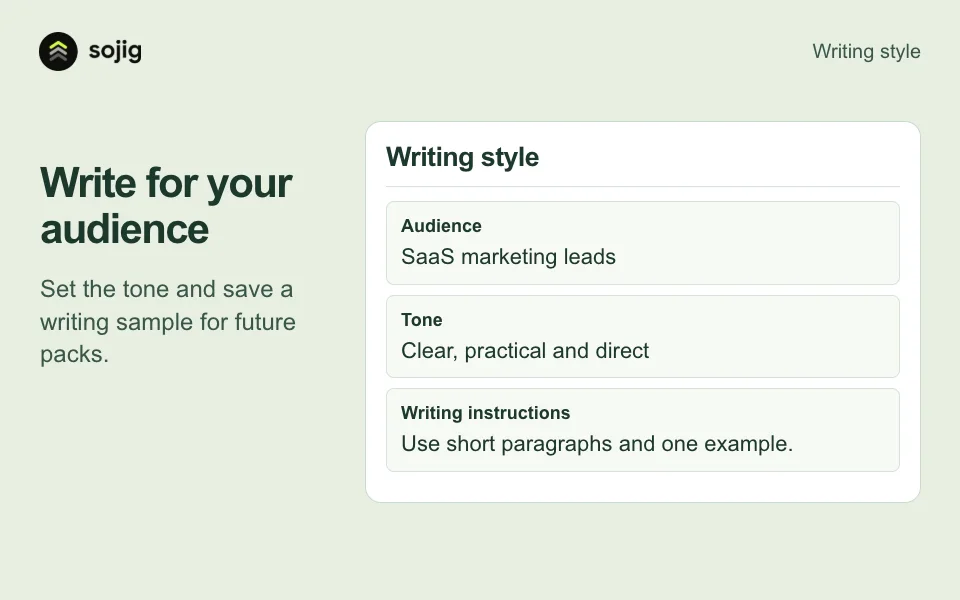
Tell Sojig who you write for, what they already know and how your team explains the product. Save reusable preferences in Writing style and use the pack’s writing and campaign settings when a draft needs a different angle.
A 150-word LinkedIn post can focus on one objection and one useful answer. A guide can show the same buyer how to handle the issue step by step. Review both drafts for the same product facts and edit the framing for each channel.
Sojig uses saved audience, tone, and sample text as drafting instructions. Revisit them as your style changes. Use an approved sample and a repeatable review rubric.
Repurposing
Turn a single buyer question into a LinkedIn post, newsletter and blog outline, with examples and a reusable editorial brief.
Next feature: Content generation
Create a draft, review the source and decide what your team wants to publish.
Start free trial8 free credits. No credit card required.