Use one card for one buyer decision
A sales battlecard is a short internal reference a rep can scan during a call or before sending a follow-up. This template covers objections such as switching risk, limited budget, or a security requirement. Give each objection its own card when the question to ask or proof to share would change.
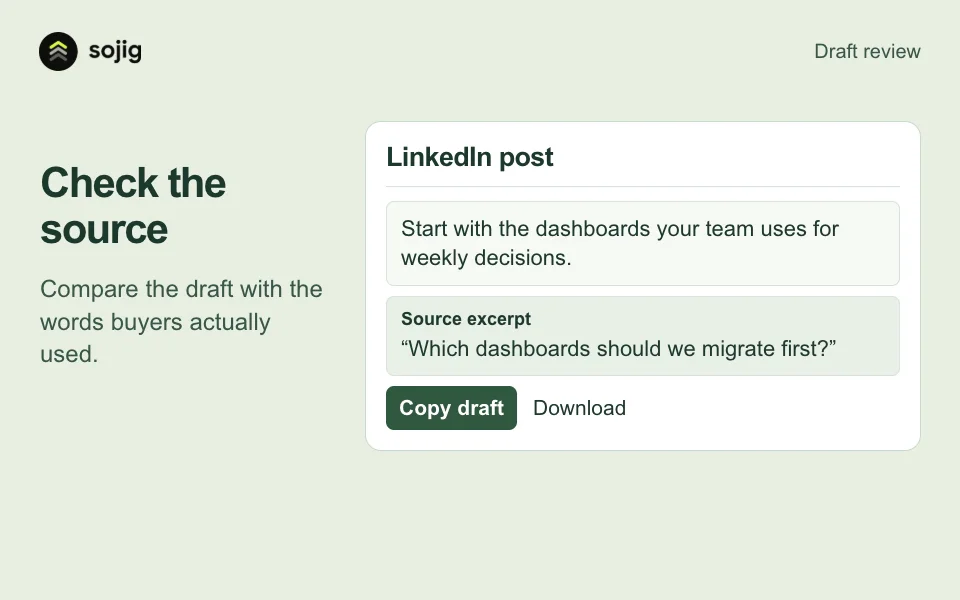
Start with the most recent call where the concern changed what happened next. Record the buyer’s wording and read how the rep responded. Use the excerpt to identify the concern. Verify the response separately with the owner of the policy, product detail, or pricing it references.
Copy this one-page sales battlecard
- Use this when
- Buyer role, deal stage, and the wording that signals this concern.
- Ask first
- One question that clarifies the reason for the objection.
- Approved response
- One or two sentences the rep can adapt, with any conditions that affect fit.
- Proof to share
- Approved demo, documentation, customer example, or pilot checklist.
- Escalate when
- The scenario that needs approval from a specific person before answering.
- Suggested next step
- A small action the buyer can take to check fit or reduce risk.
- Source and owner
- The restricted call reference, the card owner, and the date to review the wording or evidence.
Illustrative battlecard for switching risk
Buyer wording. “If we move the workflow and approvals break, my team has to process every request twice.” This buyer needs a low-risk test and a rollback decision.
- Ask first. “Which approval would block your team from processing a request if it failed?”
- Response. “Let’s map that approval, run one sample in the agreed test workflow, and compare its approval history before moving more requests.”
- Proof. Show the documented approval history for the supported workflow. Verify any test environment and fallback steps against the product docs ahead of the call.
- Escalation. Bring in implementation if the buyer needs to keep two systems synchronized or asks for a recovery guarantee.
- Next step. Ask the process owner to bring an authorized sample and select one event that must appear in the approval history for the pilot to pass.
Keep internal notes and buyer-facing material separate
Give a rep the source link and escalation instructions internally. Give the buyer the approved procedure or checklist. If the same question recurs on several calls, publish a self-serve answer using verified product information. Keep private quotes and competitor speculation in restricted notes.
Assign an owner to check the card when product details or limits change. If reps keep adding the same caveat to the answer, update the card. If the objection turns out to be a product gap, bring that evidence to the product team.
Use recurring sales objections to decide which cards also deserve a public resource. Sojig’s Objections view can suggest excerpts from calls you’ve added, so you can read the original exchange before writing the card.